Odd MEITE Display Resolution
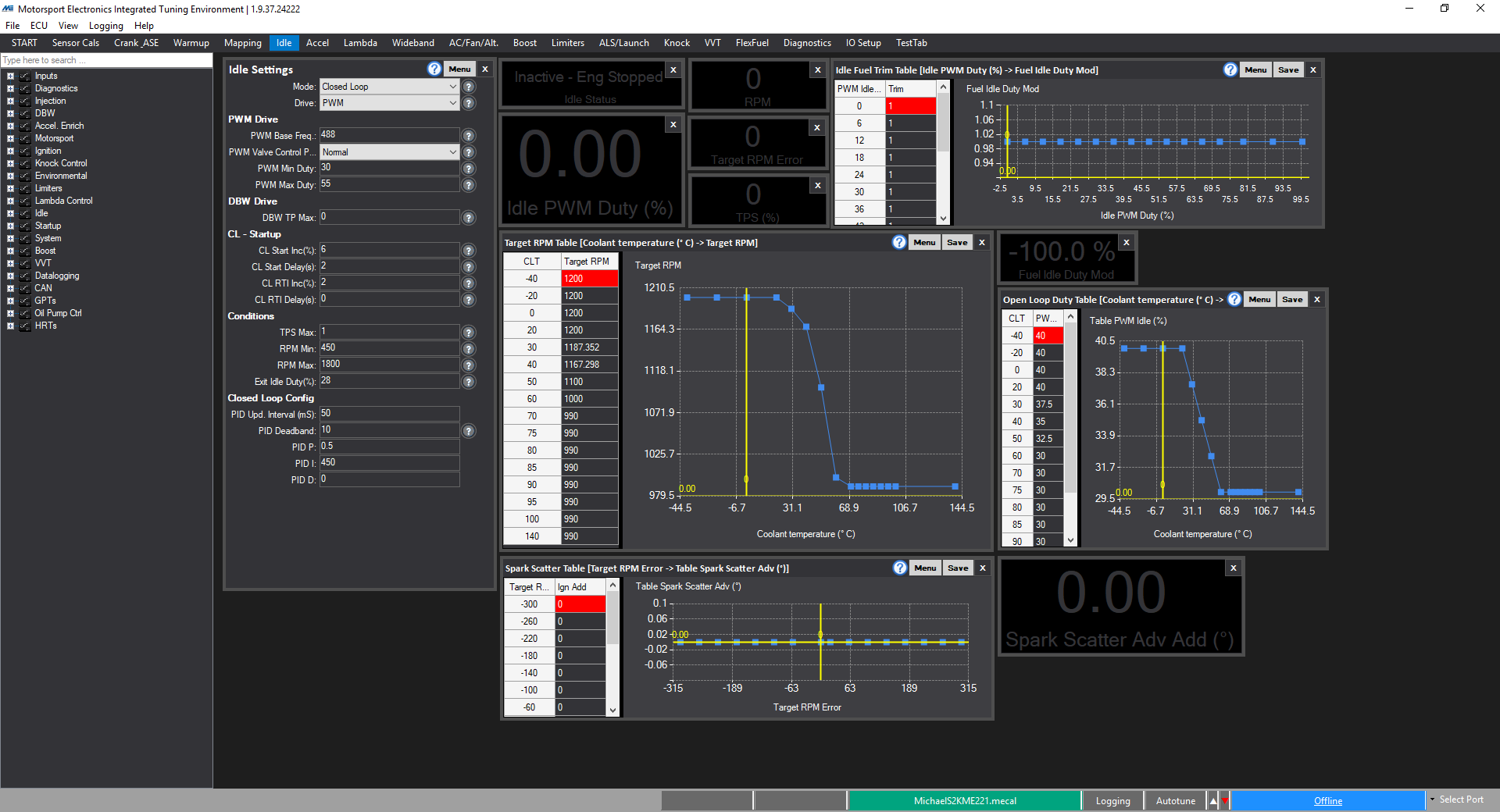
Sometimes in MEITE, especially on Windows 10, the display can look strange, with spacings and wasted space. This is down to DPI scaling. To correct this, simply right click on MEITE icon, and under the compatibility tab, click the "Change high DPI Settings". Tick the override box, and in the drop down, select "System". Then restart the computer, and MEITE will display correctly (as per the below):