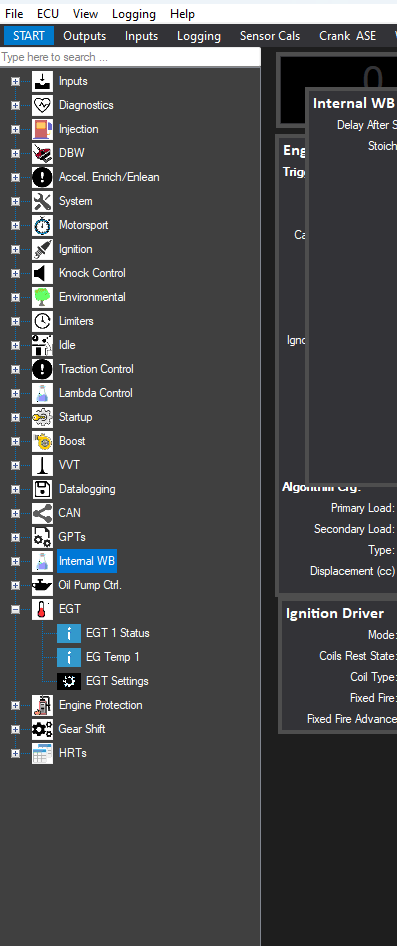
The Entity Tree
The tree view on the left of the main window (shown below with the red highlight), shows all the user accessible variables, readouts, configuration controls and data tables that the current definition file holds, which of course relates to the areas you can view and configure within the ECU.
Any entity on the tree view can be double clicked, and its default widget type will be added to the current tab view. Note that some widget types are specific for a data type, such as a 3D mapping table can not be used to show current coolant temperature.
You can also search the entity tree from the top text box.
For details of all items on the Entity Tree see the entire section in the manual here.
If you have a finished layout and no longer need the entity tree view on display you can set it to autohide from the View Menu.