




Online Manual
See our manual that covers the full range of software features, hardware features, how-to’s and product specifics such as pinouts. Use this in conjunction with a quick install manual for your product found below.

Tuning software used for all of our current ECUs. Legacy software and other versions can be found at the bottom of the page. Release Notes
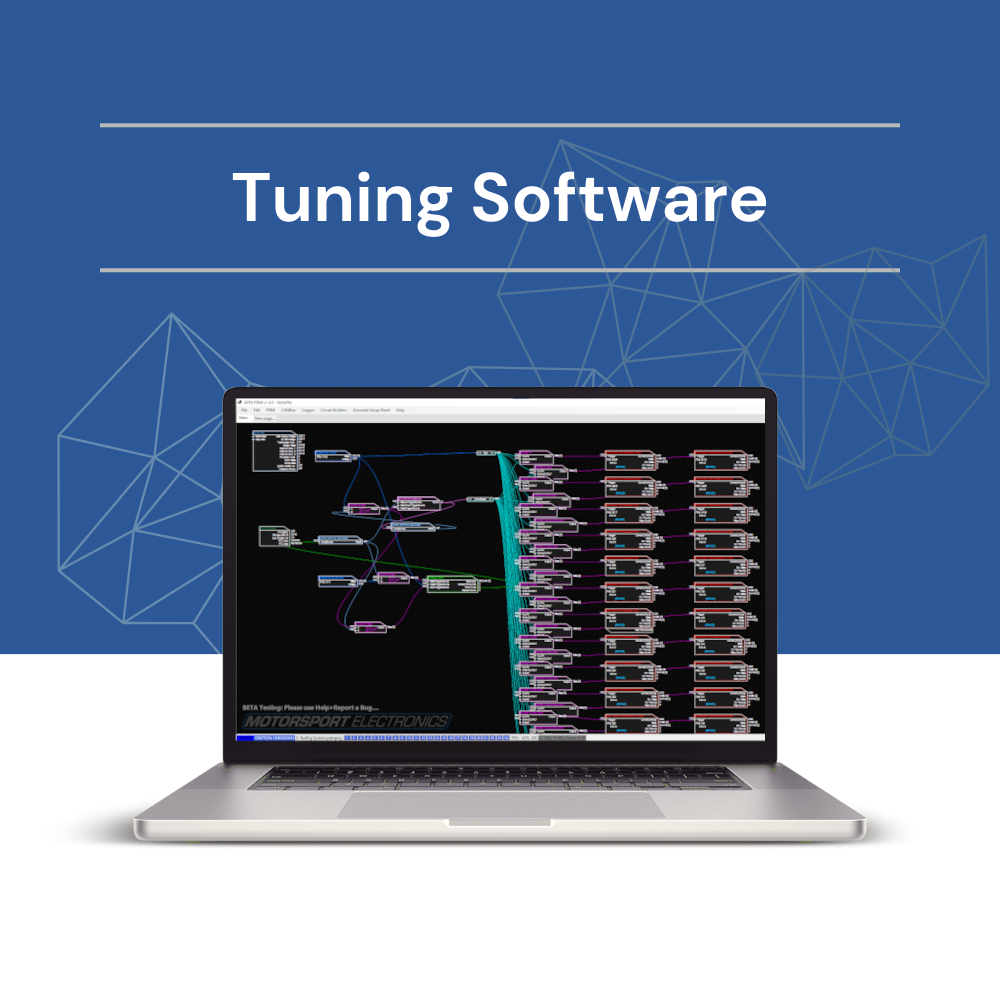
PDM Tuning Software
This software used for all of our Apex-24 and Apex-16 PDMs.

Dial-in sessions
Remote access software used by our technicians to dial into your computer. A stable internet connection will be required.
Product manuals and downloads
How do I know which firmware is right for me?
You will only be able to load firmware that is compatible with your exact series of ECU, Ie Gen2, Gen2b or Gen2c. If you receive a message about incompatible firmware when trying to update in MEITE, it means the file you are trying to load is not correct. To find your current version of firmware and ensure you load the correct version, follow the steps below;
Download and open the MEITE Tuning software. Ensure your ECU is connected as denoted by the connection status indicator light in the bottom right of MEITE. In the taskbar you can find a section called “Help” and then an option for “About”

This will open a separate window where you can see your Product Name, Firmware and DEF

For more information on updating firmware, see the Online knowledgebase above and search “Firmware”
Where can I find a basemap?
All of our base maps are now integrated into our MEITE Tuning software.
To access the repository of maps, download the tuning software from above. You do not need an ECU connected to view and download a base map. Click file, load basemap and select the one you need based on your model and firmware. Once loaded, to save this file for later use, click file, save calibration.
For more information on base maps, see the Online knowledgebase above and search “Basemap”
PDMs
Apex-24 / Apex-16
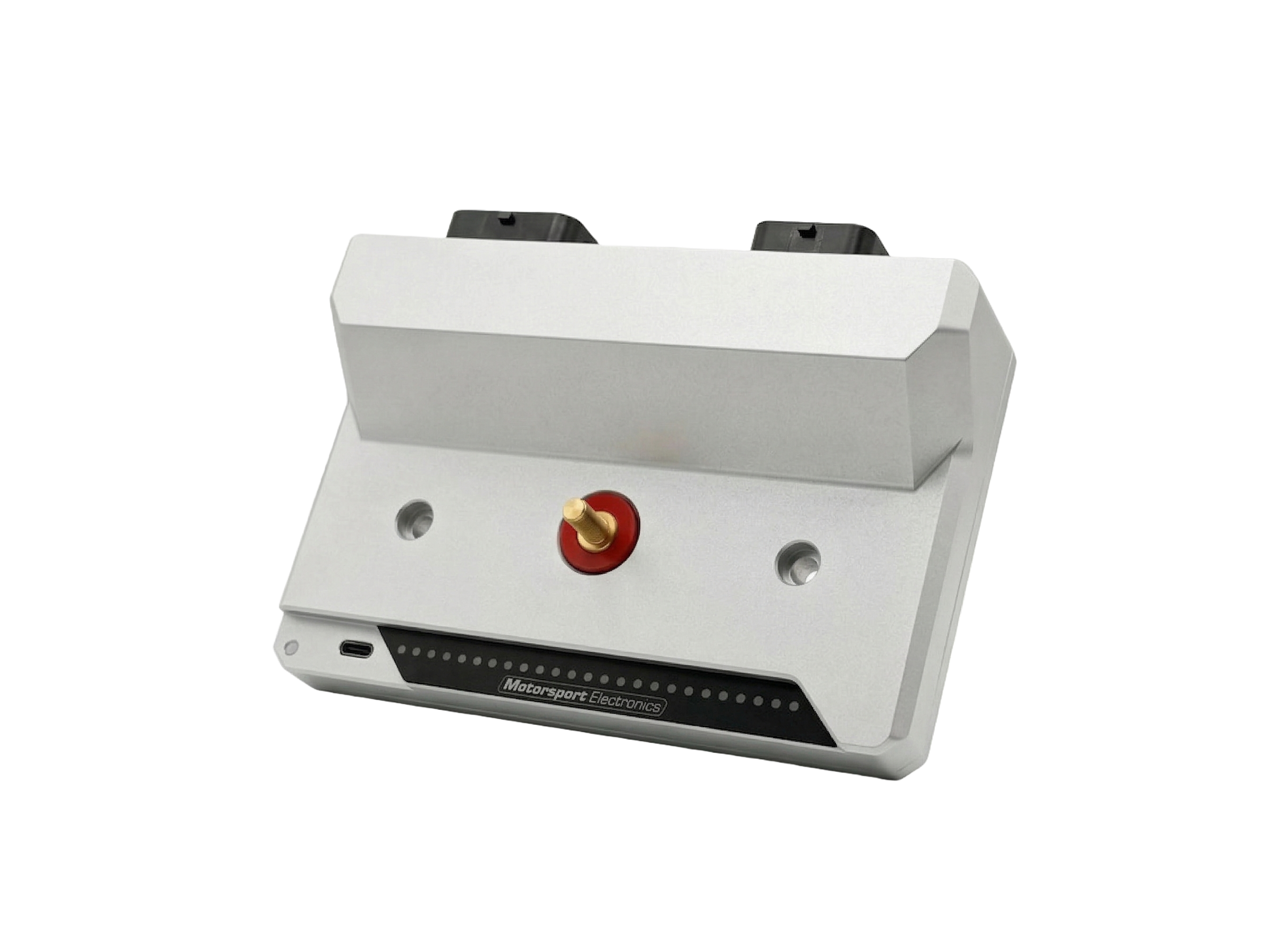
Online User Manual
Quick Start Guide
Gen2 Wire-ins
ME221 / ME360 / ME442
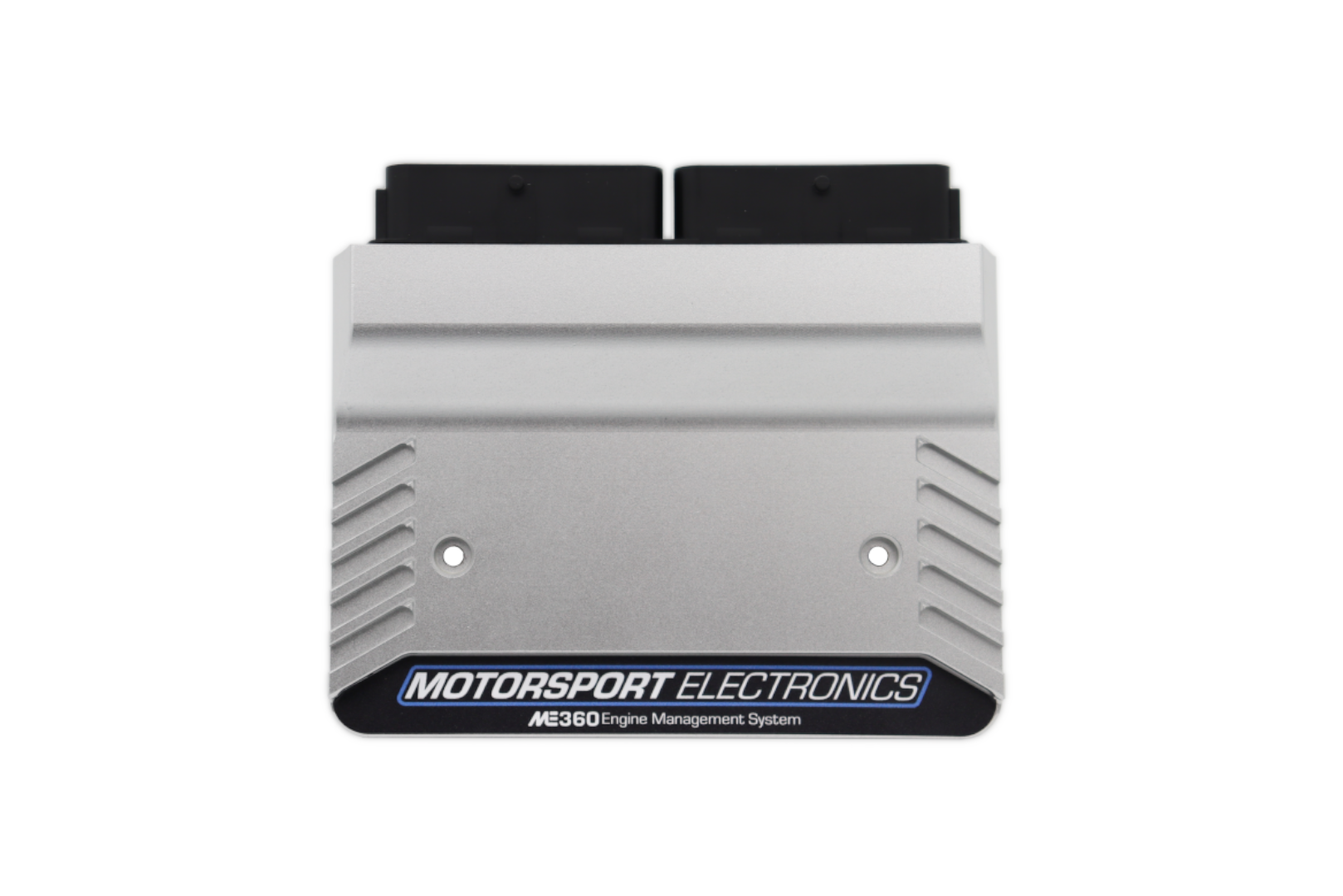
Gen2D Firmware [Current Issue]
Gen2C Firmware
Gen2B Firmware
Gen2 Firmware
Latest Firmware Issue: 3.8.1
Install Manuals
Harness Install Guides
- FORD Zetec | ST170 | Duratec
- VAUXHALL C20XE
- HONDA K20 | F20C
- MAZDA MX5 NB/NBFL
- Unterminated Harness
Gen2 Plug-ins
ME221 / ME442

Gen2B Firmware [Current Issue]
Gen2A Firmware
GenX Ignition Only
Nodiz Pro / ME100

Install Manuals
Communication
Protocols

FTDI Driver Download
CAN Communication
Here is our fixed CAN stream that can be used for dashes, PDMs and more: Download the DBC file here
Compatible with all our Gen2 Wire-in and Pug-in ECUs
Datasheets
Datasheets

Sensors
Accessories
Coil packs
Injectors
Digital Dashboards
Mounting Kits
Legacy/Discontinued Products and software
Please note, we may not be able to provide additional support on any legacy product.
Tuning Software

EZ Tune
Classic MEITE
Gen-1 Wire-ins
ME221 / ME100

Firmware
Install Manuals
For instructions on how to install your Gen1 Wire-in please consult our Online Knowledgebase
Gen-1 Plug-ins

Gen-2 Ignition Only
Nodiz Pro


